
Full Observability and Auditing
05 run auditing
Features
 05.1
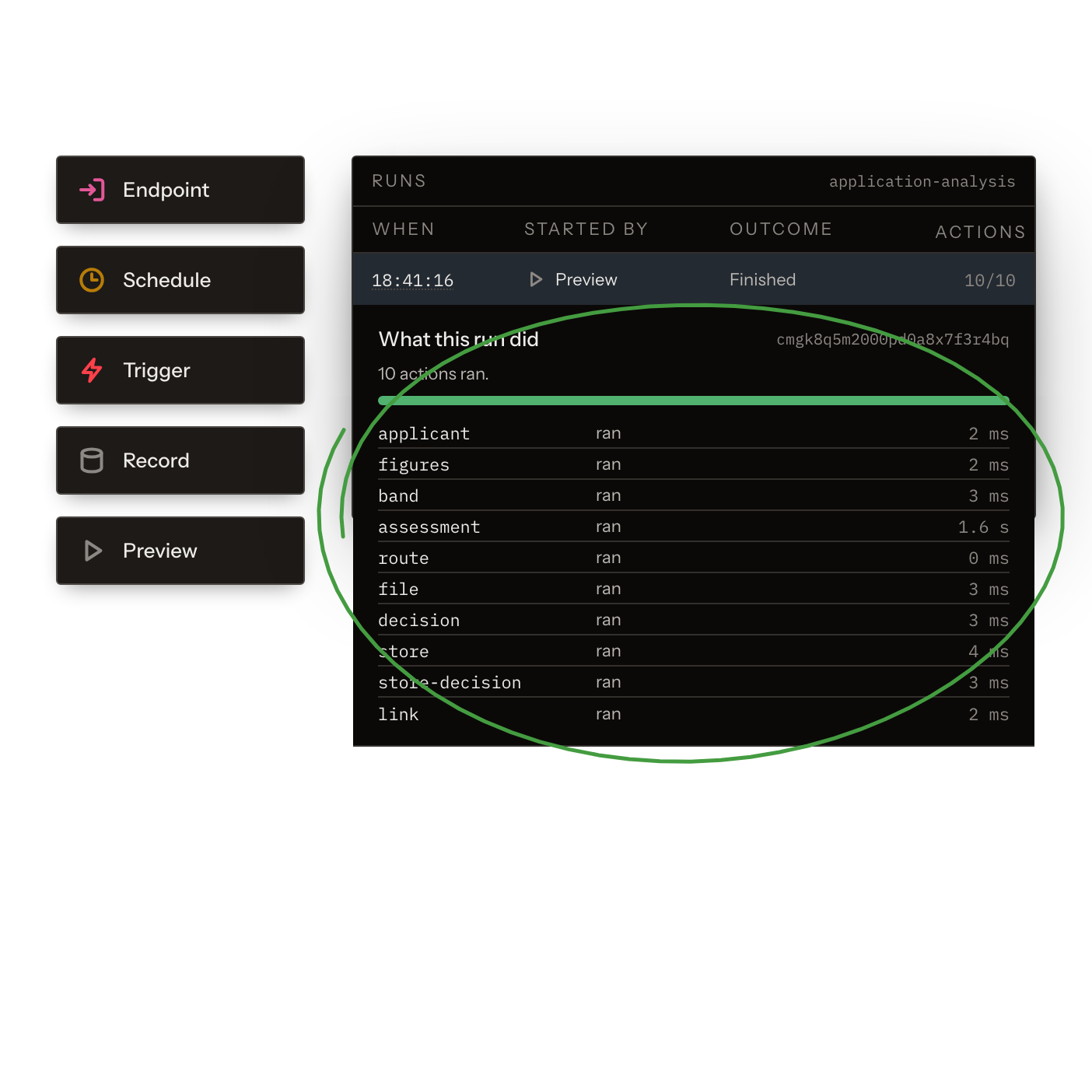
05.1One Run ID for Every Execution
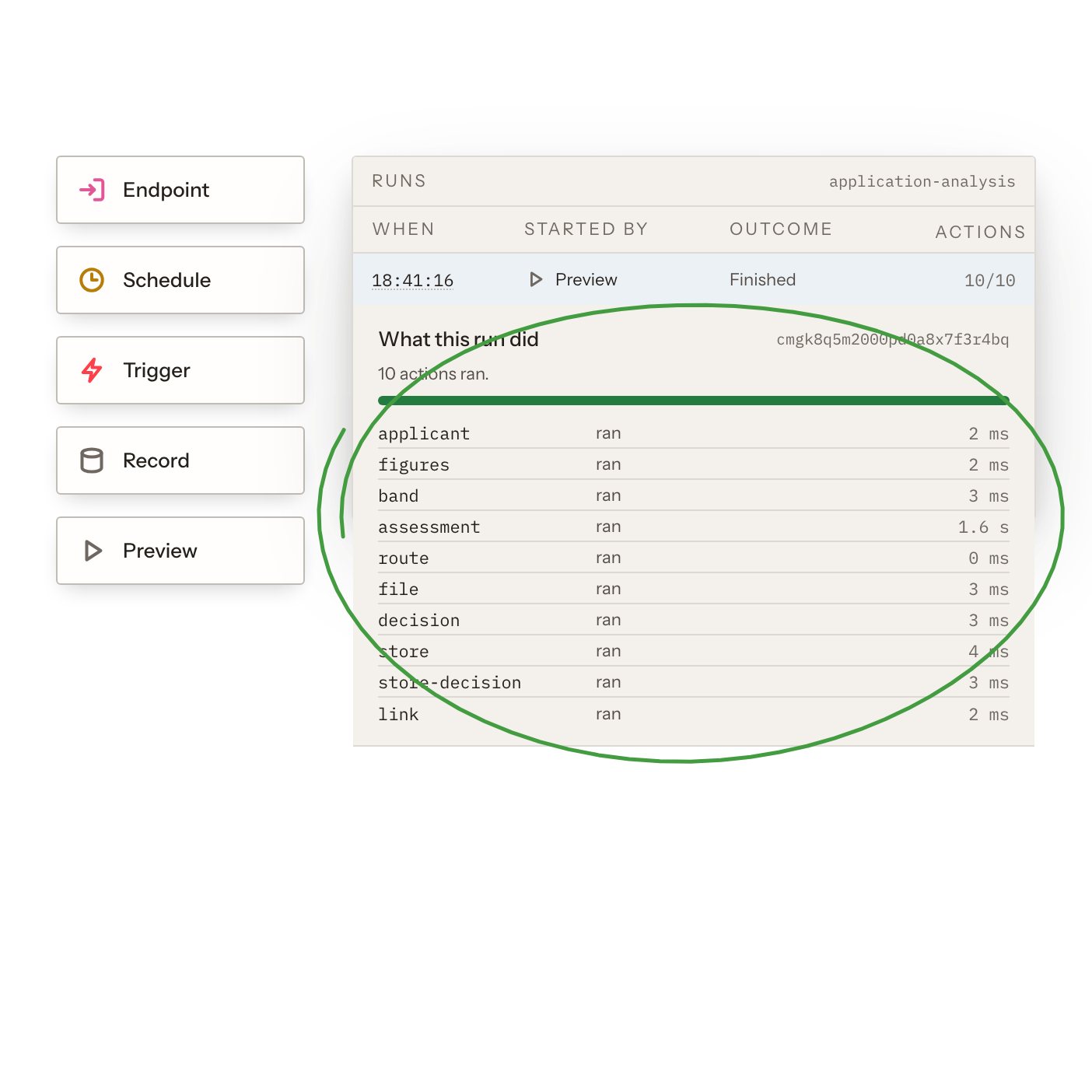
Endpoint calls, schedules, triggers, record processing and queued previews each produce a run. Every run has a complete, never-sampled step log.
- Find every execution in one list.
- See every step of every run.
- Read complete logs, never samples.
- Inspect scheduled and triggered runs.
- Debug previews like production runs.
 05.2
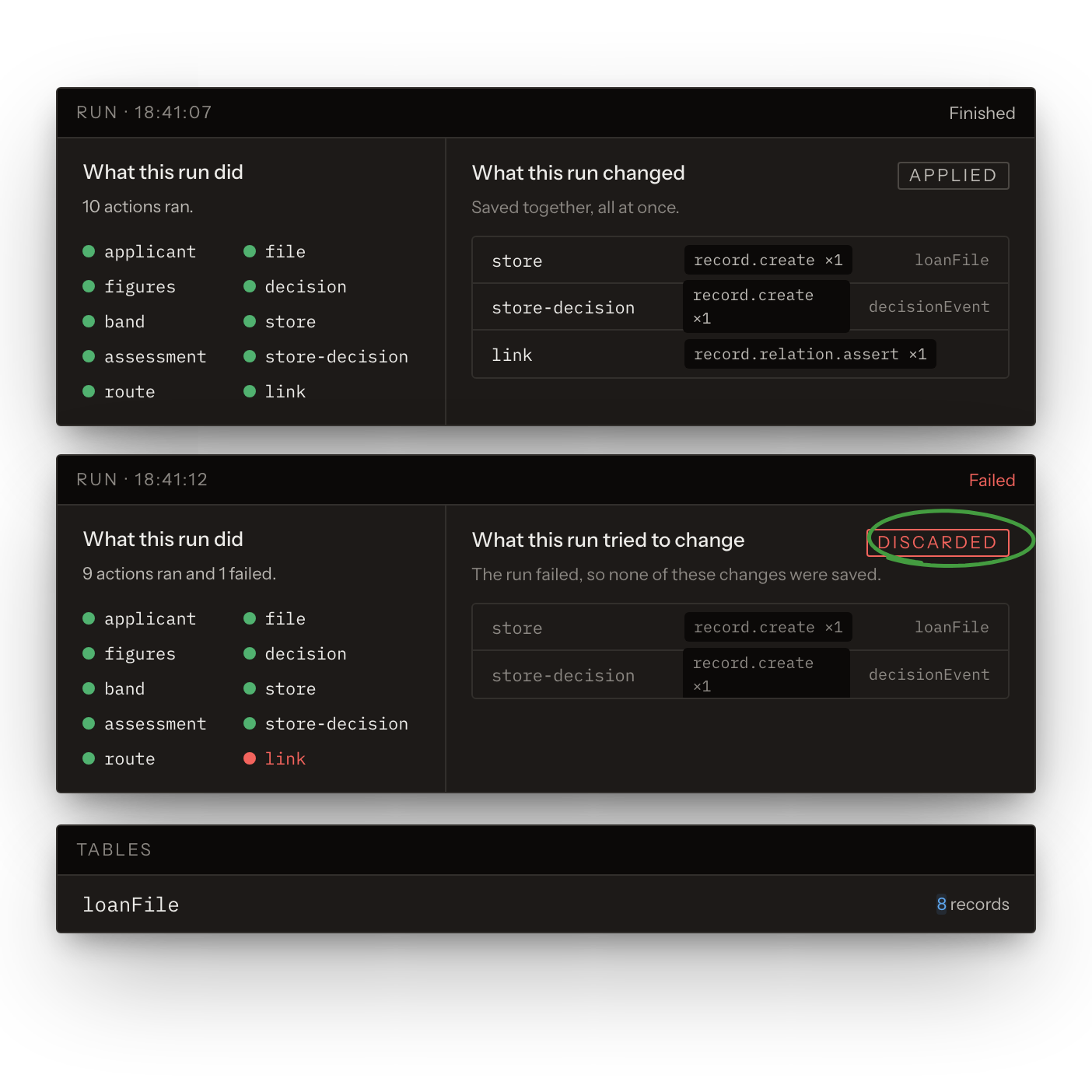
05.2What Each Run Wrote
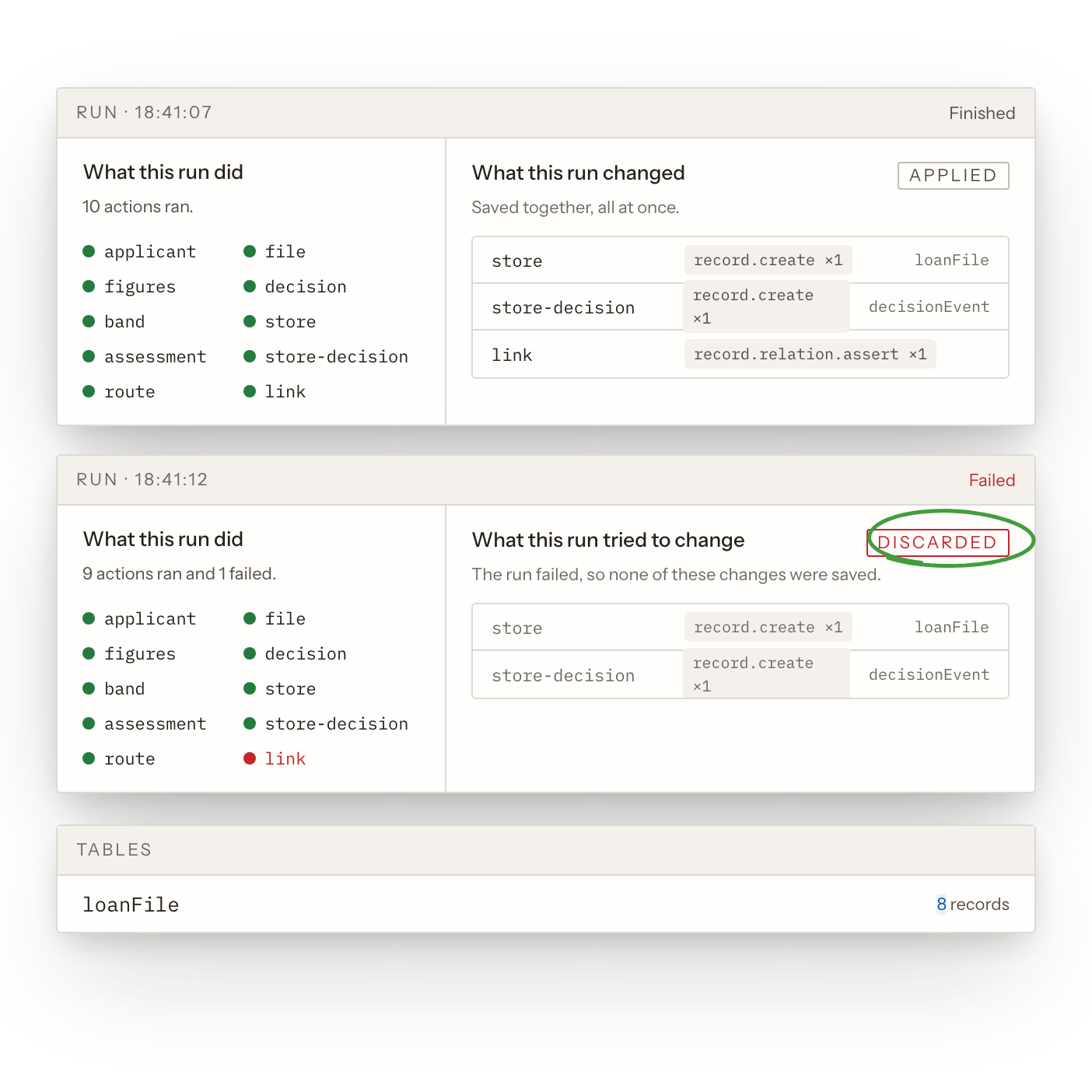
Every run records its writes as applied, rejected or discarded. Writes apply as one set, so a failed run leaves no half-written records.
- See what every run wrote.
- Spot rejected and discarded writes.
- Audit changes run by run.
- Never clean up half-written records.
 05.3
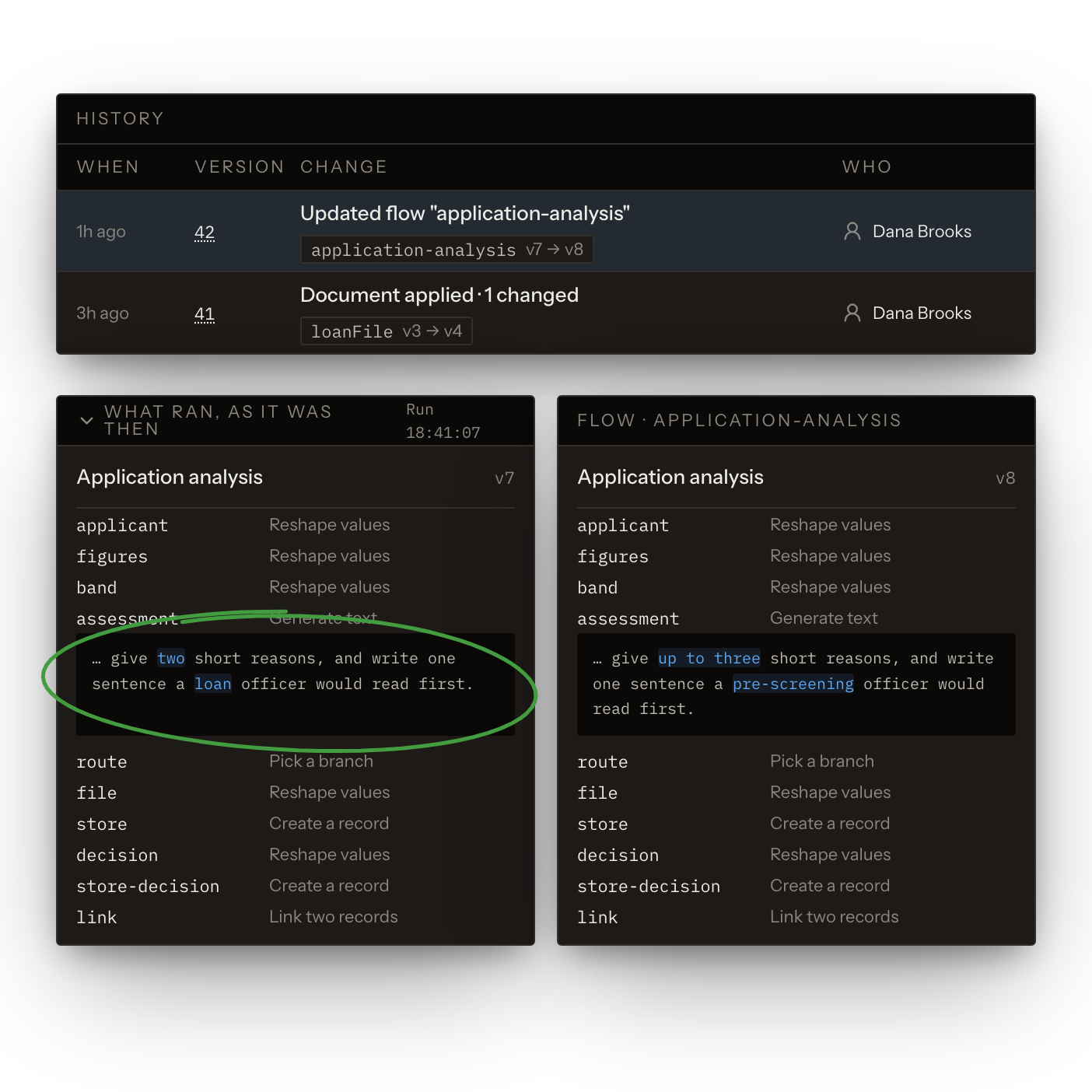
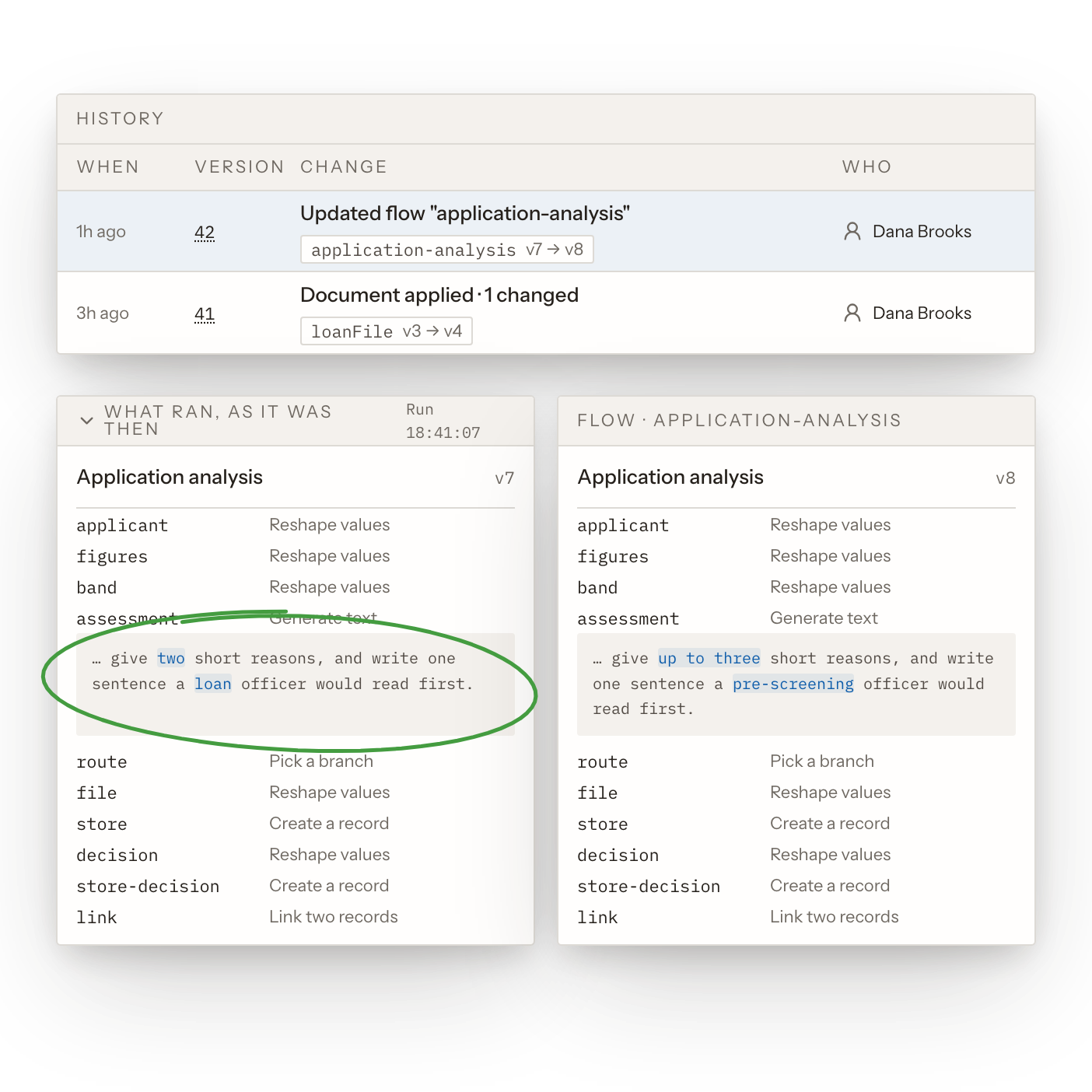
05.3The Exact Version That Ran
Each run keeps a snapshot of the flow it executed. Project history lists every configuration change with every row it touched.
- See the exact flow that ran.
- Compare a run with today’s flow.
- See every configuration change.
- See which rows a change touched.
- Answer "what changed, and when".
 05.4
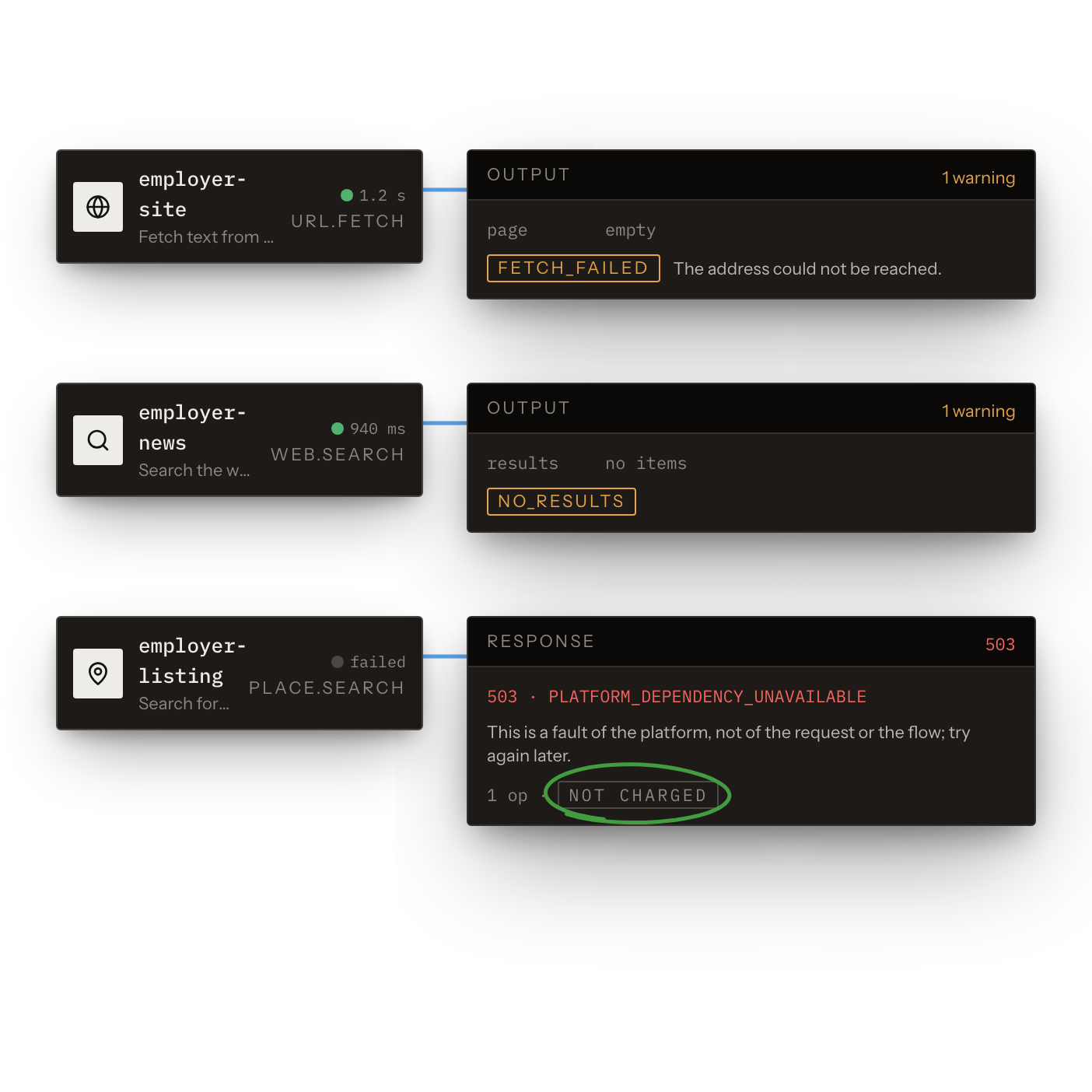
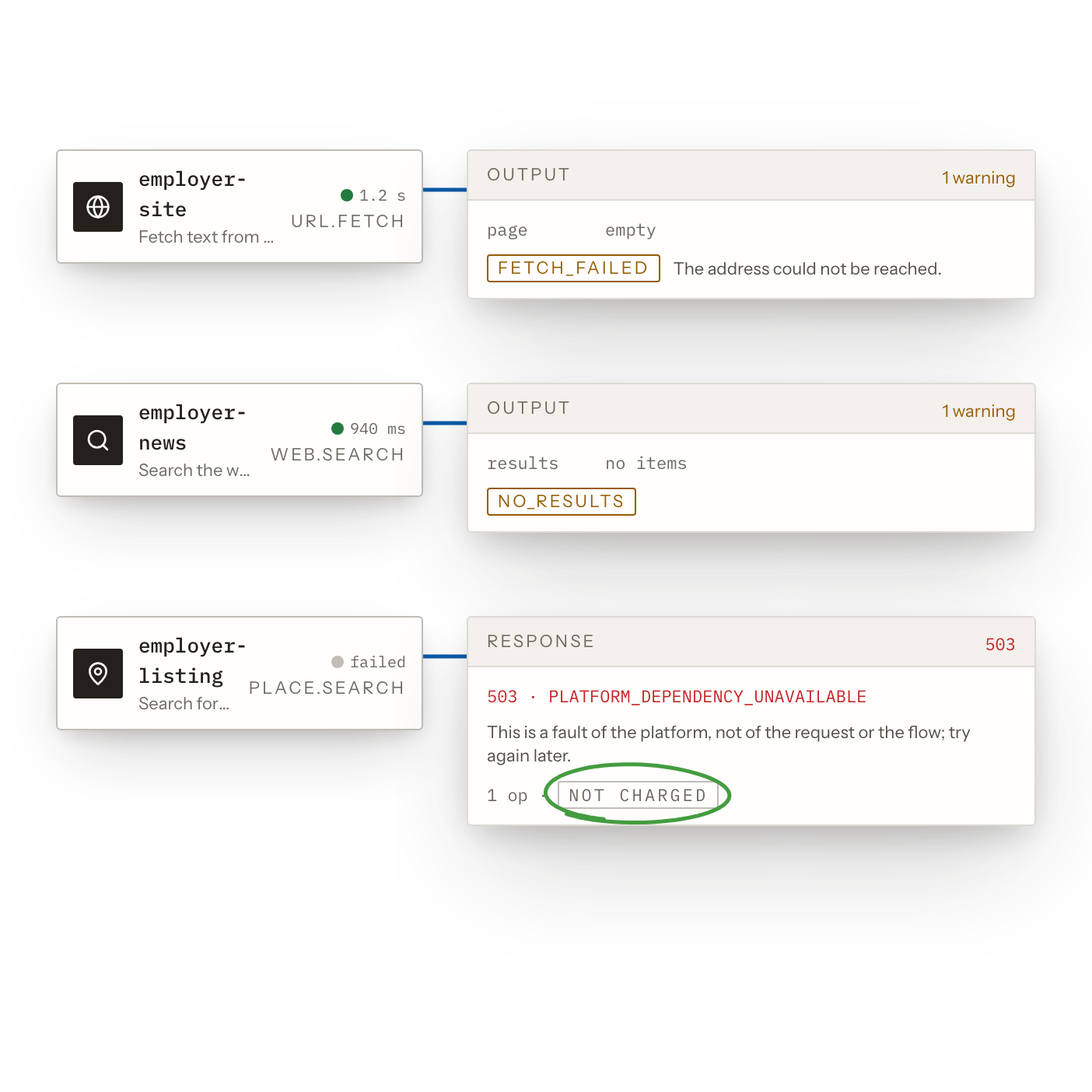
05.4Warnings That Tell Cases Apart
“Could not look” reads differently from “looked and found nothing”. A fault on the platform’s own provider account is labelled and not charged.
- Tell failures from empty results.
- Know when a source couldn’t answer.
- See platform faults, labelled clearly.
- Never pay for platform faults.
 05.5
05.5Refused and Model Calls on Record
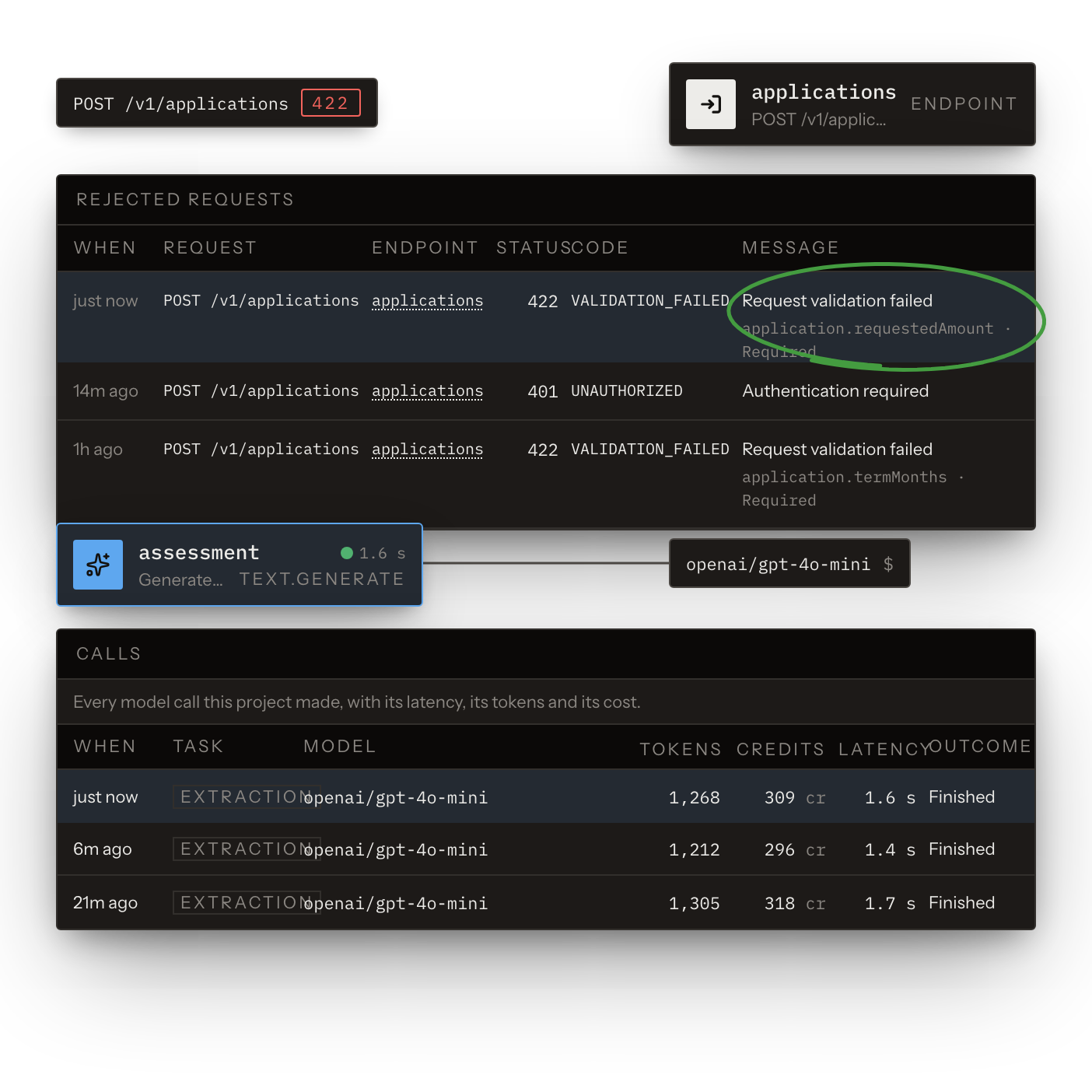
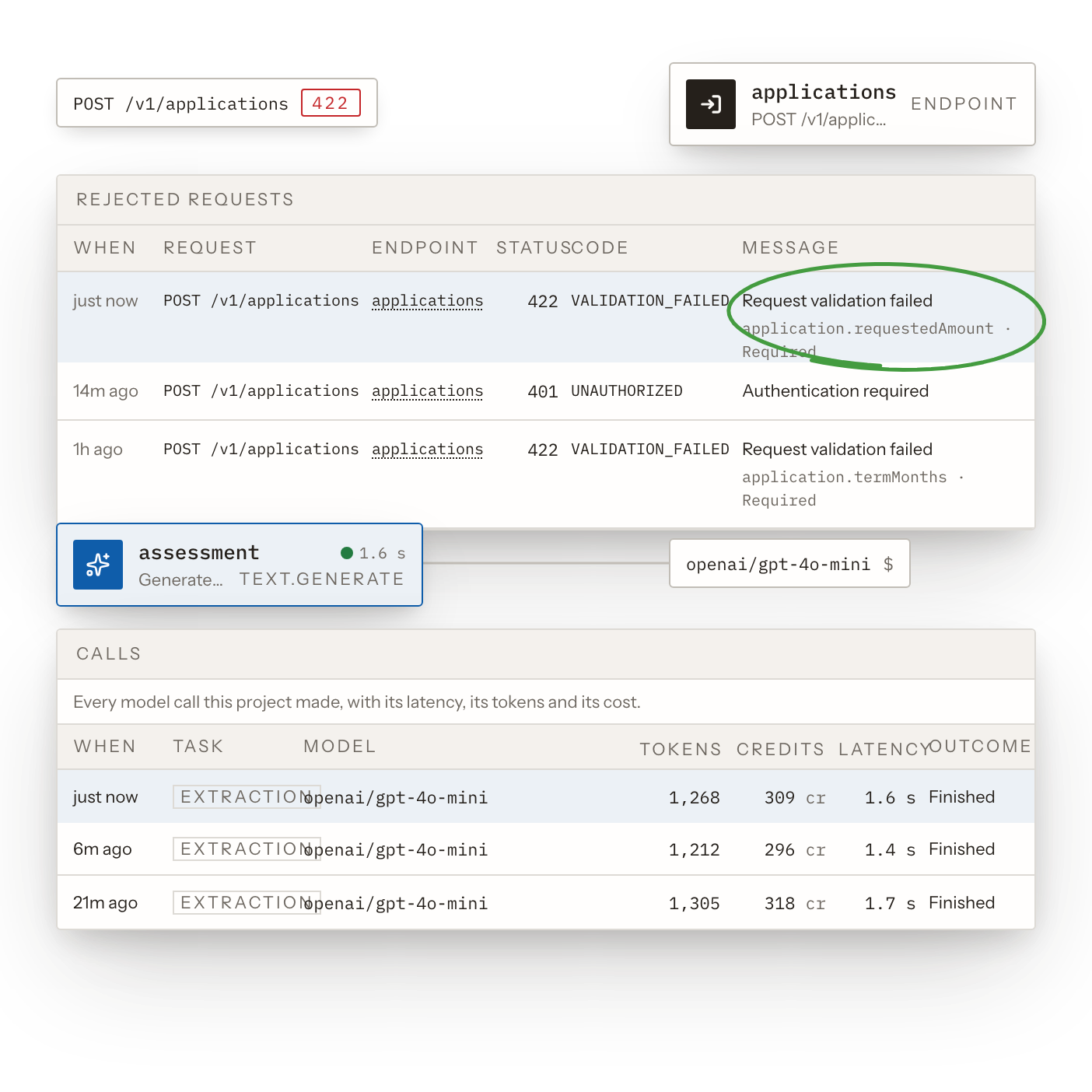
Every request a product endpoint refused is logged with its reason. Every model call is listed with its outcome.
- See every refused request’s reason.
- Debug failing client integrations.
- List every model call made.
- Check each model call’s outcome.
- Review model costs call by call.